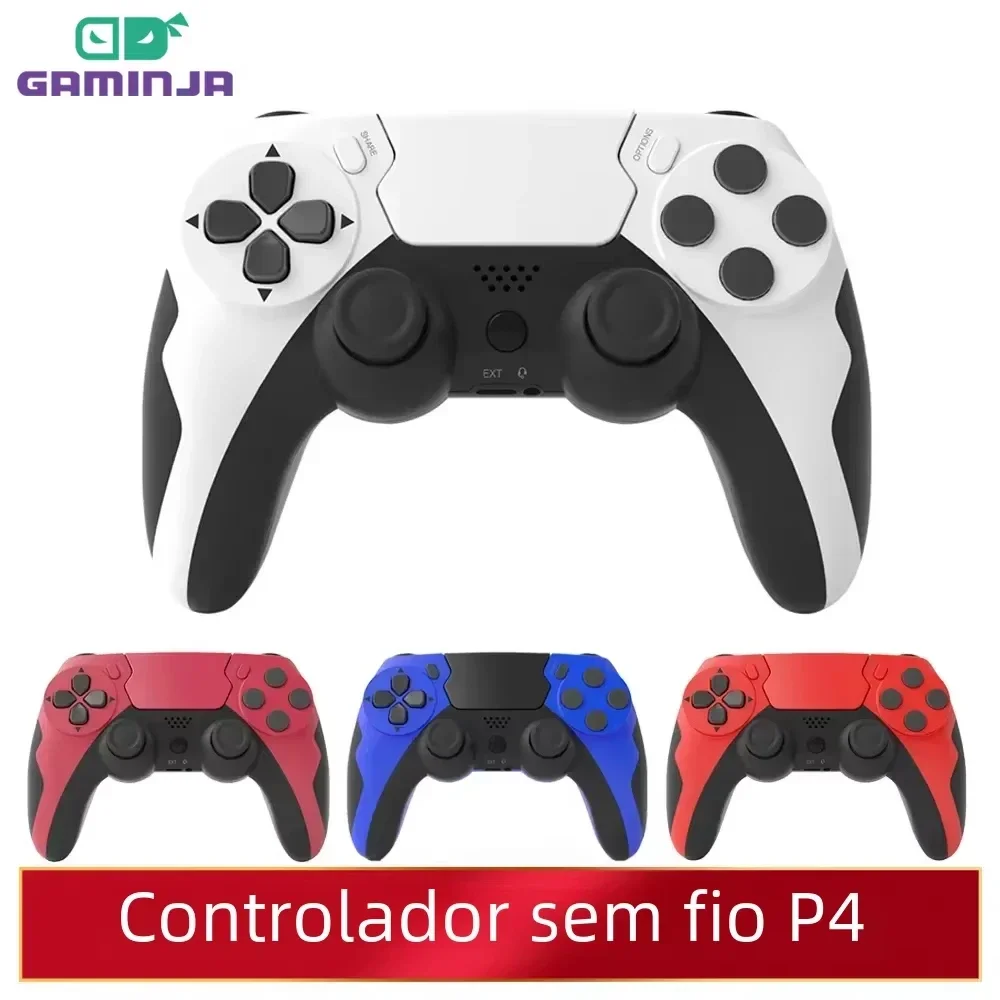
GAMINJA Wireless Controller Bluetooth Gamepad Double Vibration 6Axis Joypad Touchpad
Price in USD. Import duties may apply.
Color: Wine red
18 in stock
Live supplier stock · updated 9 min ago · arrives Nov 23 – Nov 28 Cards secured by Stripe
Team Buy · save 15%
$23.33 when 3 people join within 24h
Deliver to United States
Standard Global
Arrives Nov 22 – Nov 26 · live supplier rate
$1.99
Order support
If your order doesn't arrive or isn't as described, contact us and we'll work with the supplier to resolve it.
Supplier return policy
Returns follow this item's supplier's policy for your country. Returns policy
Secure checkout
Payments encrypted and processed by Stripe.
Shipped by an independent supplier
Price & stock synced with the supplier Nov 16, 12:14 AM
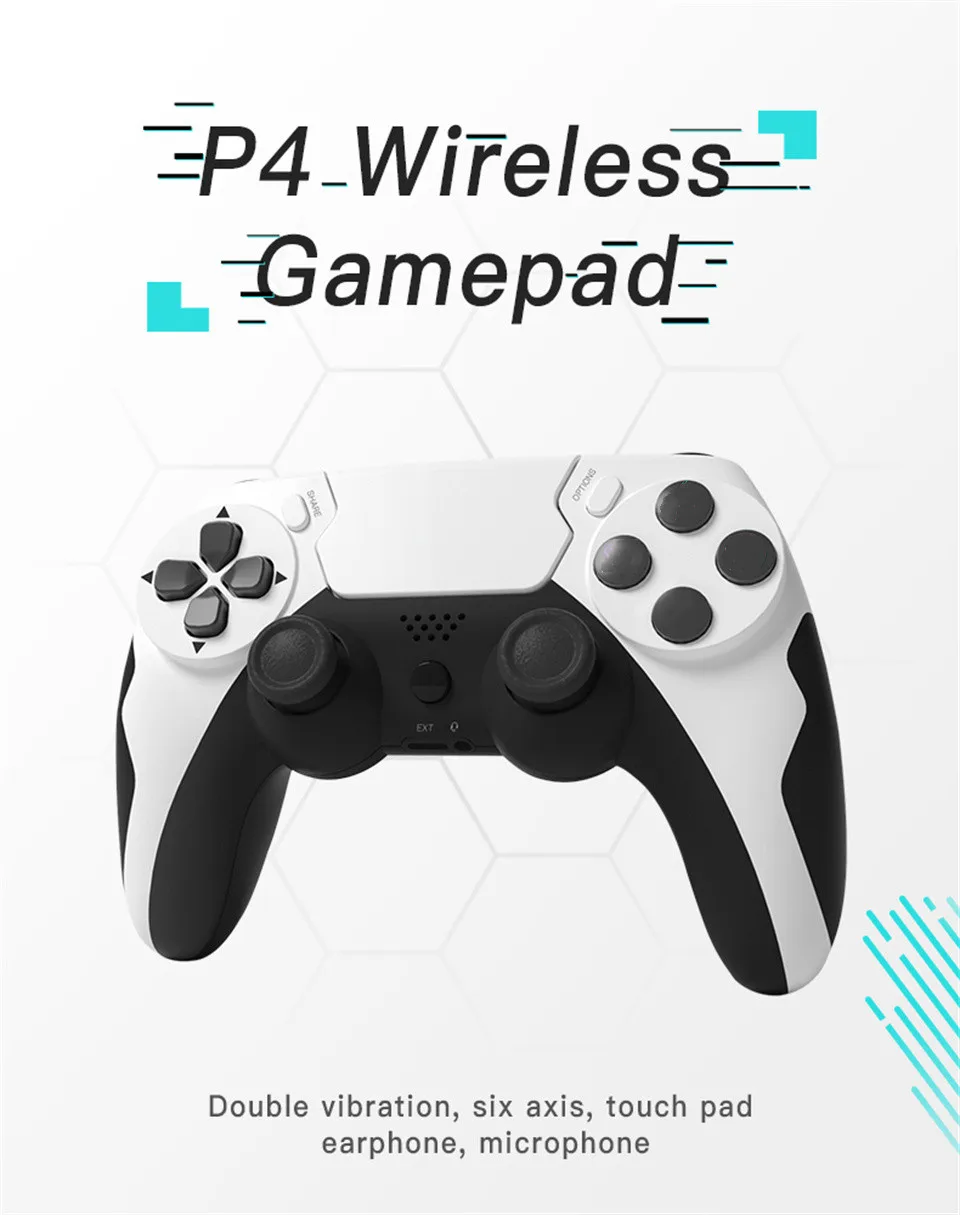
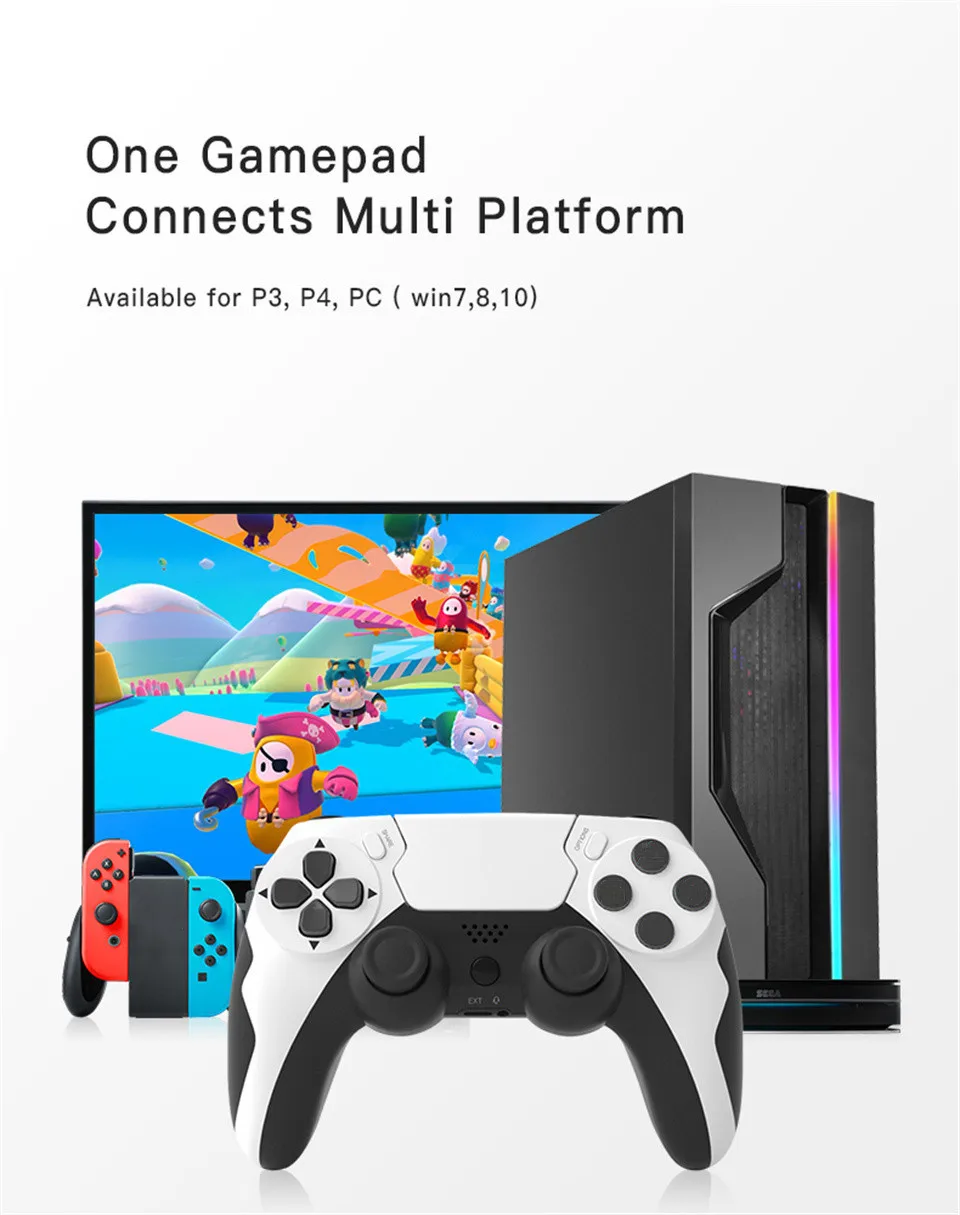
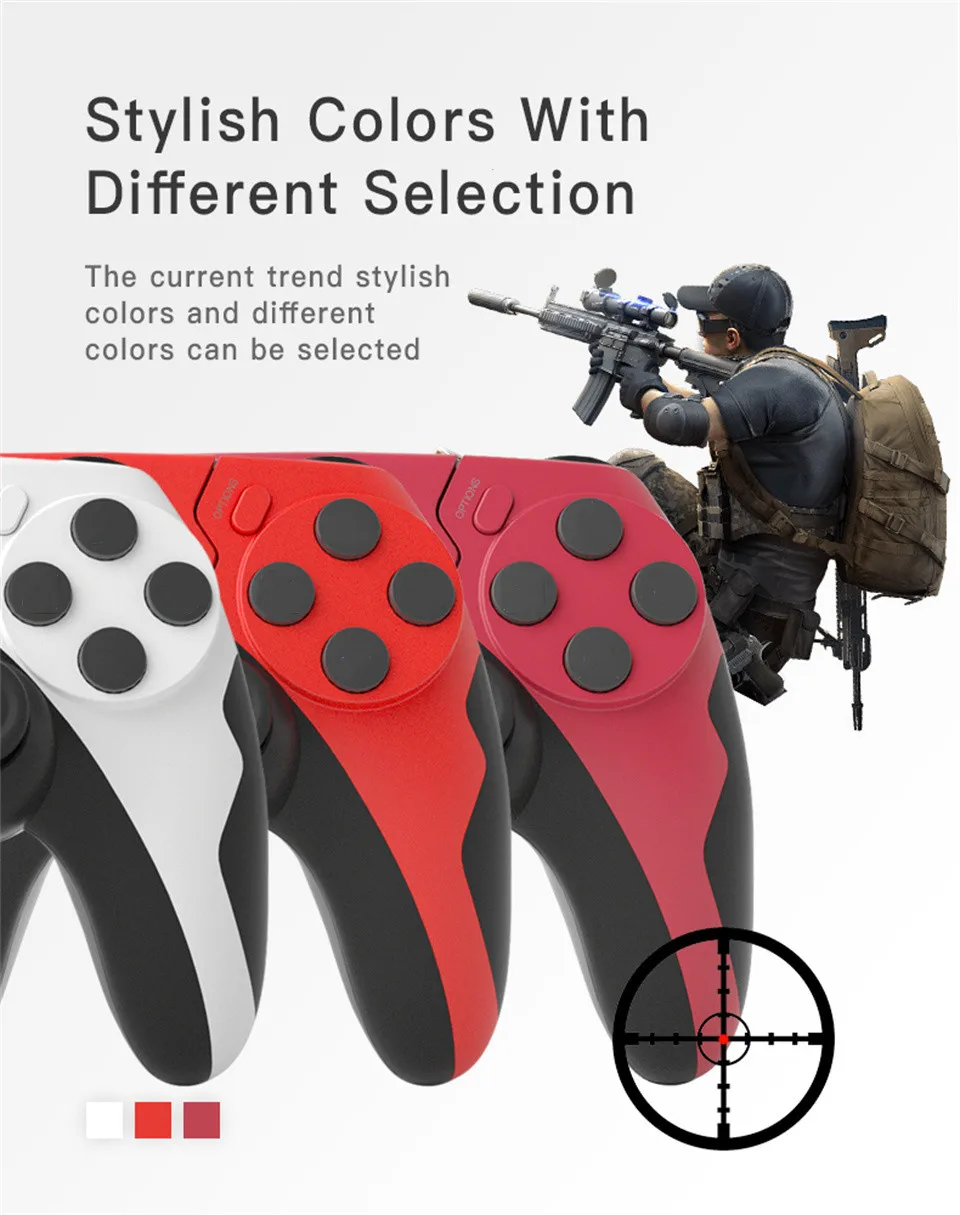
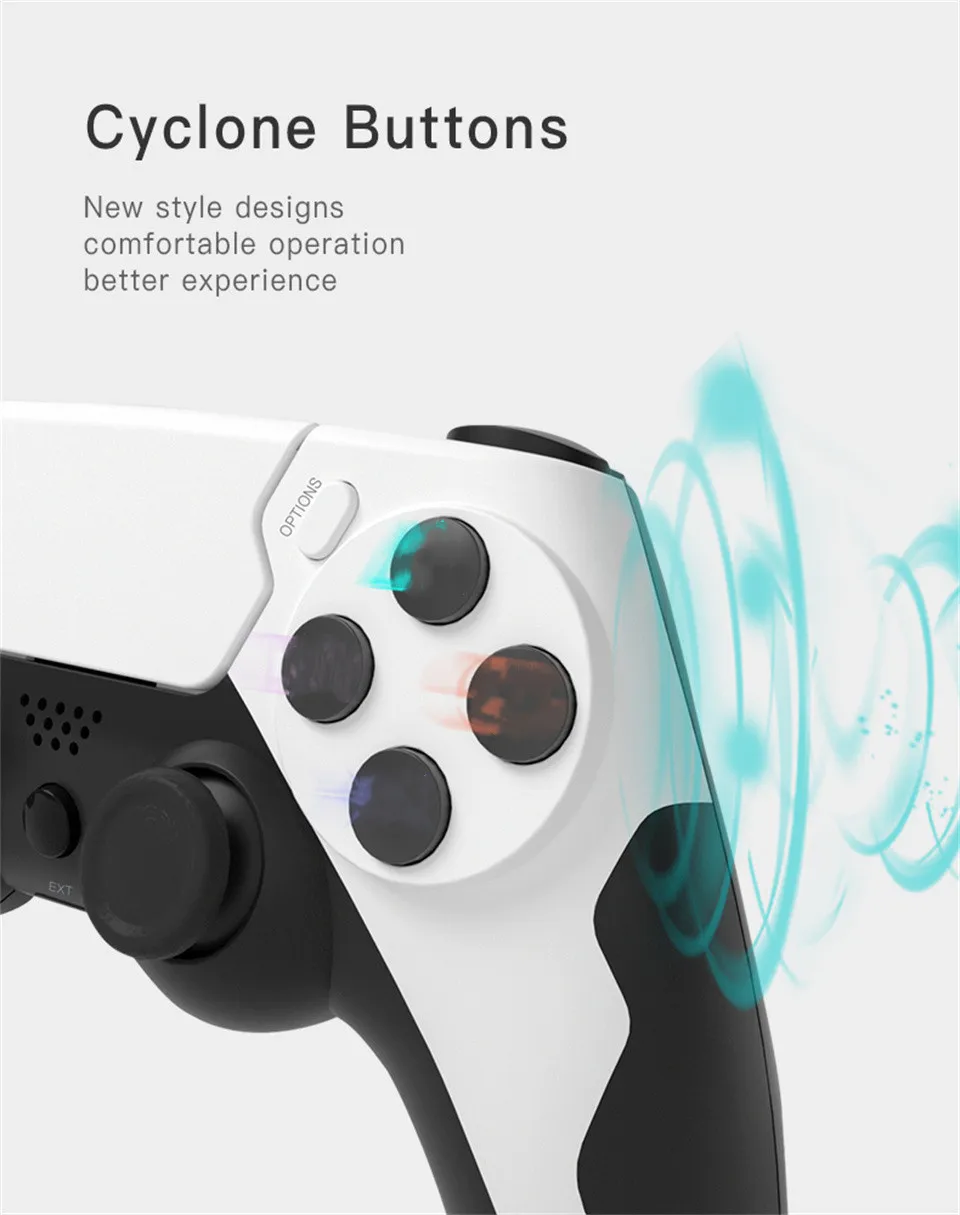
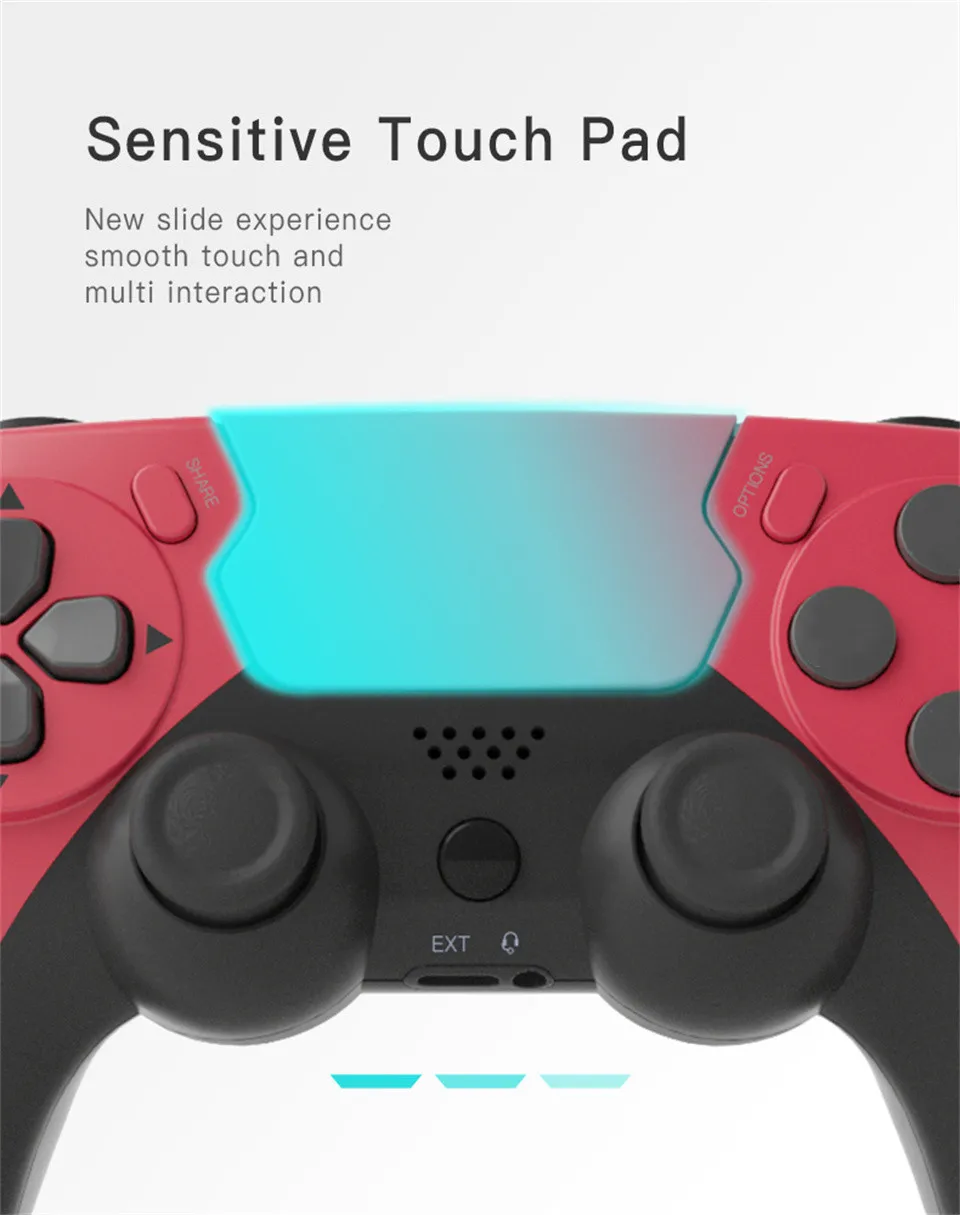
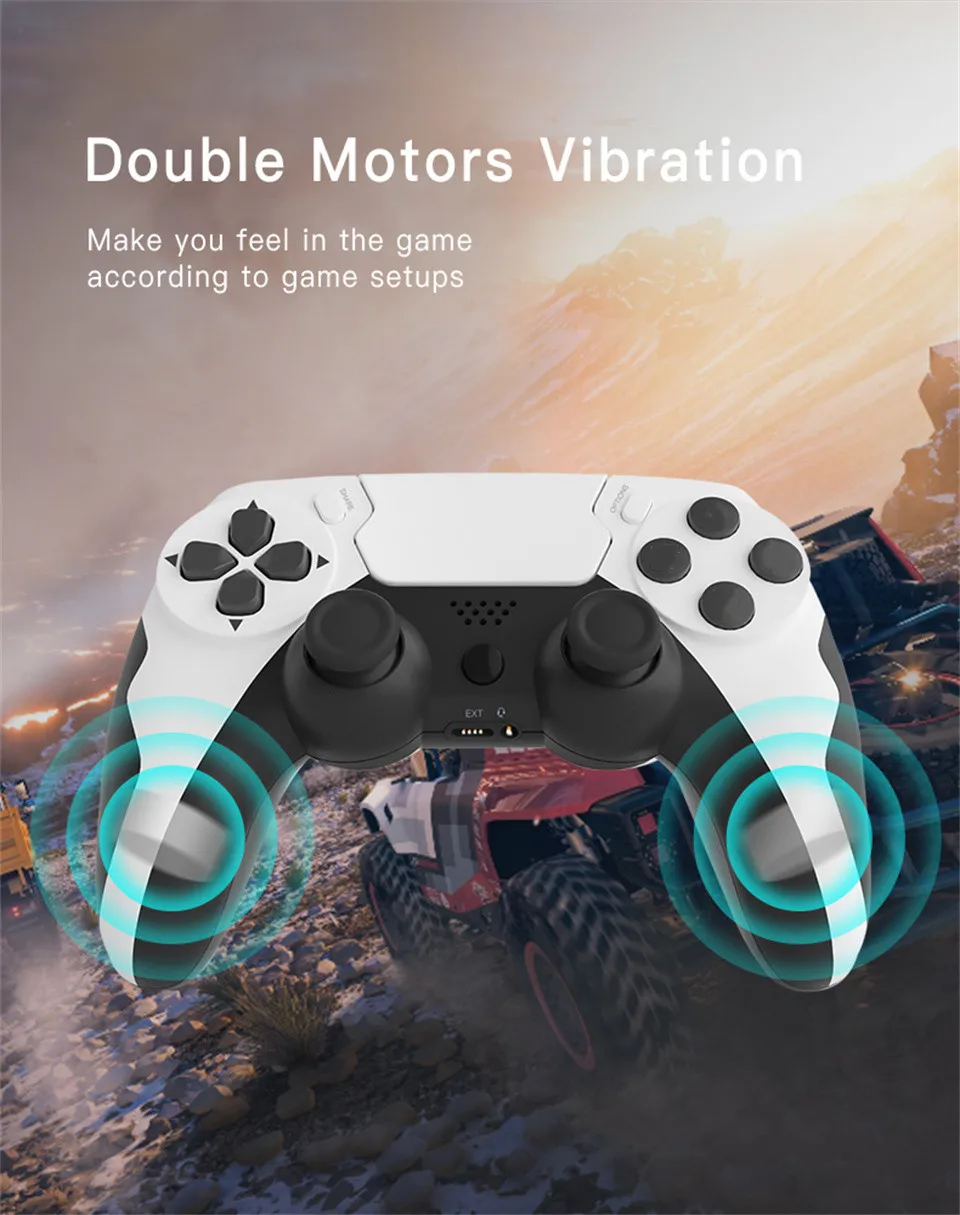
Feature 1) One gamepad connect to multi platform , available for P3 ,P4 ,PC (win 7,8,10) 2) Stylish color with different selection 3) Cyclone buttons ,comfortable operation ,better experience 4) Sensitive touch pad ,new slide experience 5) Double motors vibration ,open violent shock mode 6) Left and right handle can be 360° twisted , help to minor adjust and aim 7) Multi player connection , friend/family members can share in the game or play alone 8) BT4.0 transmission is fast and without delay ,get rids of wired gamepad Specification 1) Name : P4 Wireless Gamepad 2) Input Voltage : DC5V/500mA 3) Working Voltage : DC3.7V/20mA 4) Working Time : 8H 5) Charging Time : 3H 6) Battery Capacity : 600mah 7) Bluetooth Version : V4.0 8) Transmission Distance : ≤8M 9) Standby Time : 50 days Controller Connection & Activation Guide 1.For PS4 Wireless Connection (Must activate via cable on first use) Step 1 (Activation): Controller off / sleeping. Connect to powered-on For PS4 using the included USB cable. Step 2: Press the PS button. Indicator light on = recognized and paired. Step 3: Unplug the cable. Controller switches to Bluetooth. Press PS button next time for auto-reconnect. 2.For PS3 / PC Wired Connection (No activation) Plug the USB cable directly. Plug-and-play. First Use Guide for New Controller First use: Connect the controller to your console with the included USB cable to activate, then pair via Bluetooth. Auto Bluetooth connection available later. PC: Wired connection only. (Compatible only with controller-supported games/software) Operation: Plug cable in → Solid indicator light = activation complete (one-time only) Unplug → Enter Bluetooth pairing mode per manual Bluetooth not found? Reactivate by reconnecting the USB cable, then retry pairing. PC tip: Plug the USB cable directly for plug-and-play gameplay. All controllers pass factory hardware testing. 99% connection failures result from skipped activation or no retry after activation. If problems persist, contact our customer service. Important Note: Connection Troubleshooting If your controller fails to connect, please follow these steps: First, charge the controller for 2 hours. Low battery often causes unstable Bluetooth connections. Try connecting via the included USB cable first, then use the wireless function. Please refer to the user manual for complete pairing instructions. Important Note: Joystick Sticking/Stiffness This is NOT a product defect. It usually happens when the spherical joystick base shifts slightly during shipping or intense gameplay. Easy Fix: Press the joystick straight down evenly until you hear a soft "click". The joystick will reset and move smoothly again. After resetting, test movement in all directions. If the issue remains, contact our support team.
Electronics
More from this category
Inspired by your browsing
Customers also viewed
















$27.45
Save 71%