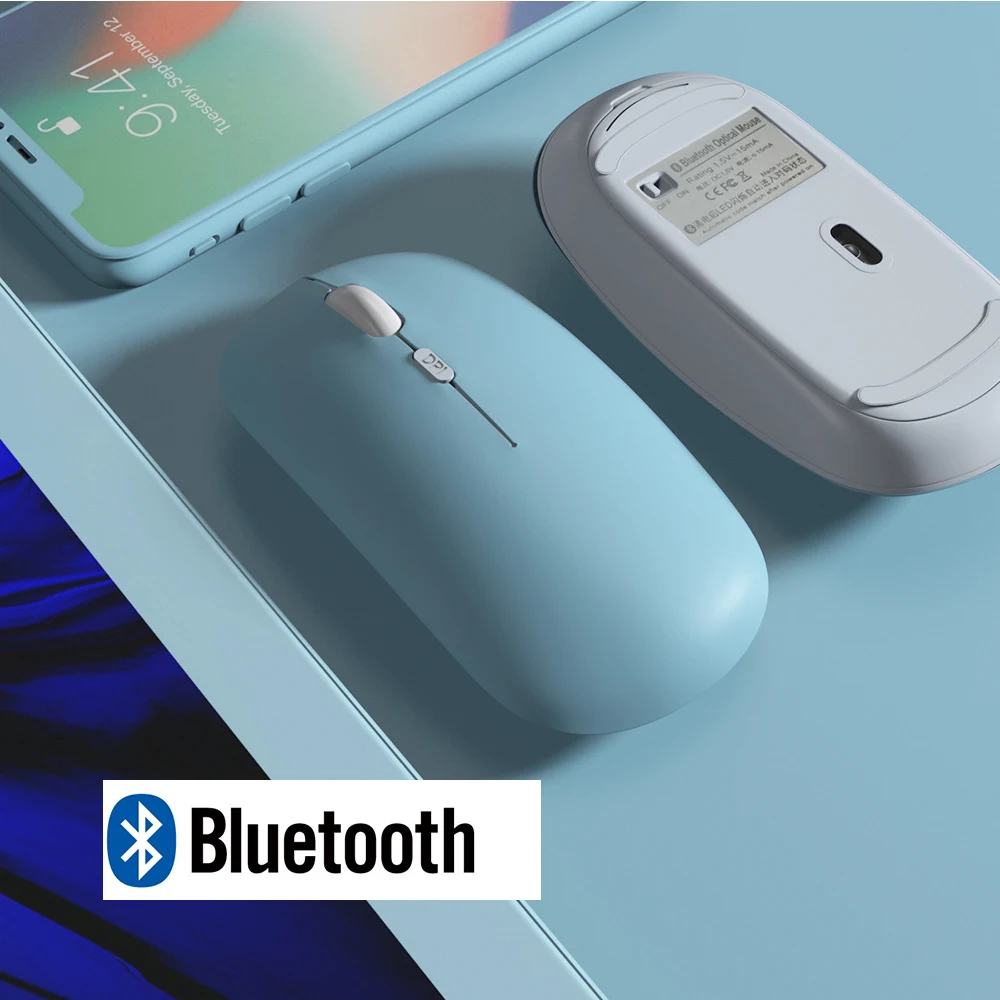
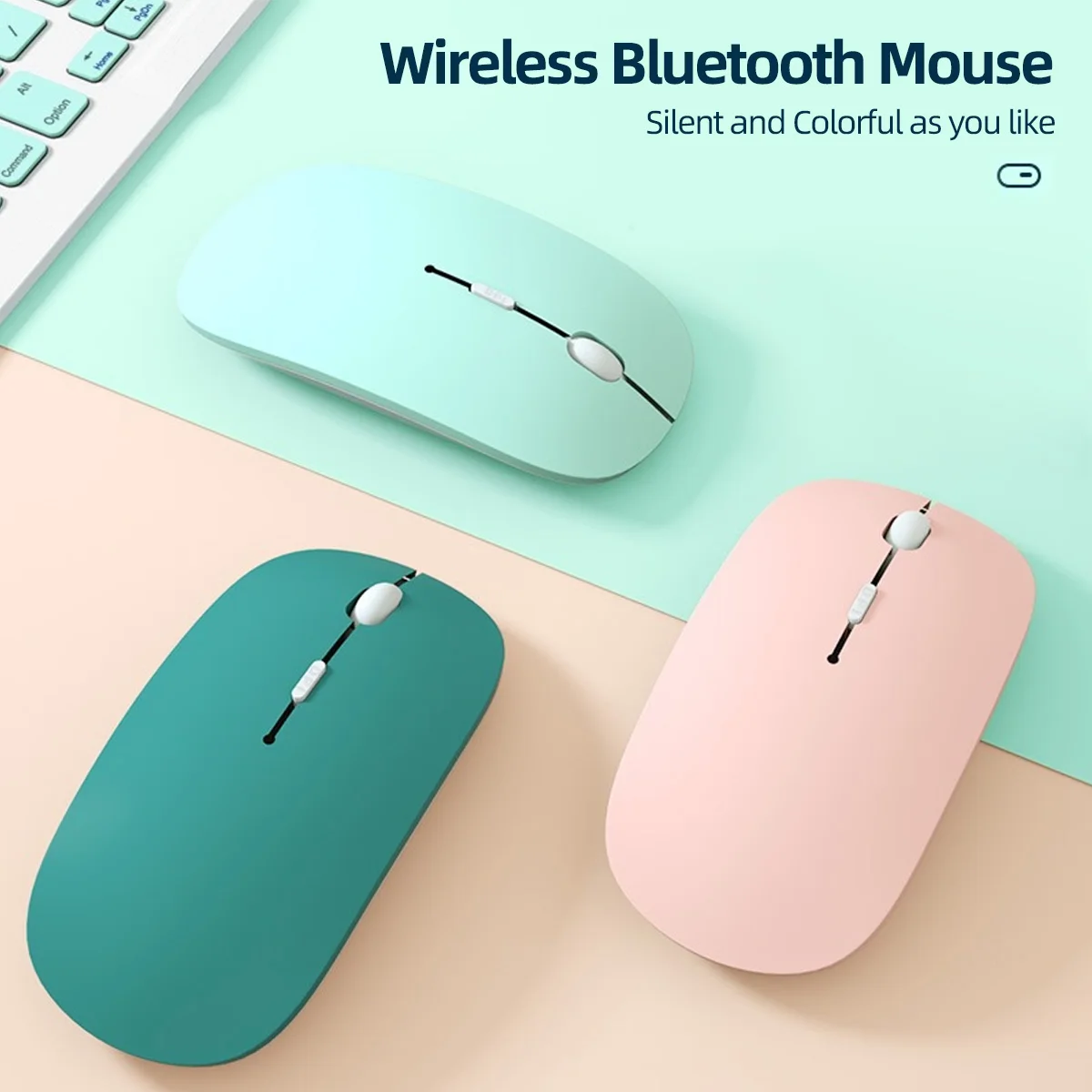
Wireless Bluetooth Mouse
Price in USD. Import duties may apply.
Color: black
Only 9 left — order soon
Live supplier stock · updated 3 h ago · arrives Nov 14 – Nov 19Team Buy · save 15%
$5.39 when 3 people join within 24h
Deliver to United States
Standard Global
Arrives Nov 13 – Nov 18 · live supplier rate
$1.99
Order support
If your order doesn't arrive or isn't as described, contact us and we'll work with the supplier to resolve it.
Supplier return policy
Returns follow this item's supplier's policy for your country. Returns policy
Secure checkout
Payments encrypted and processed by Stripe.
Shipped by an independent supplier
Price & stock synced with the supplier Nov 7, 03:17 AM
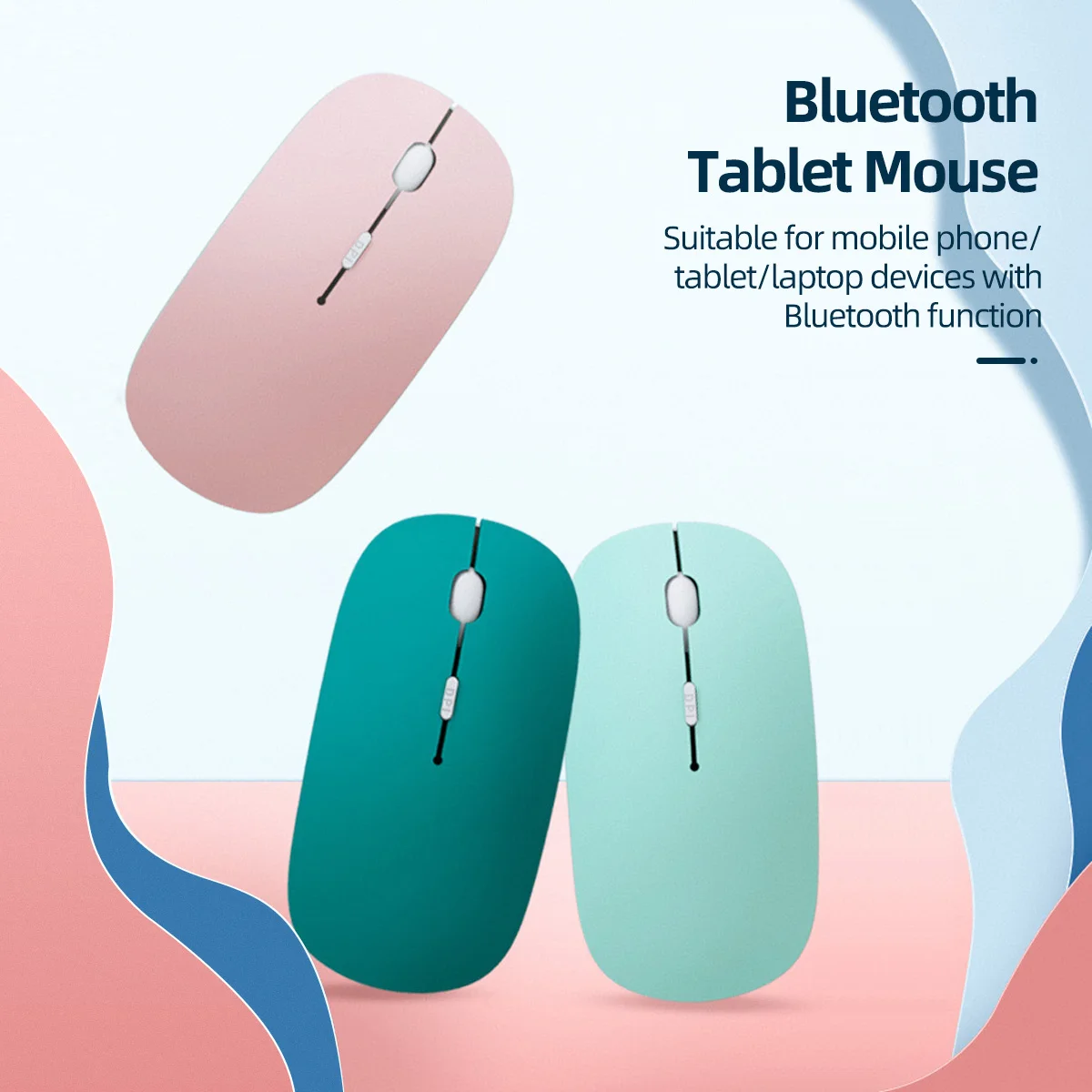
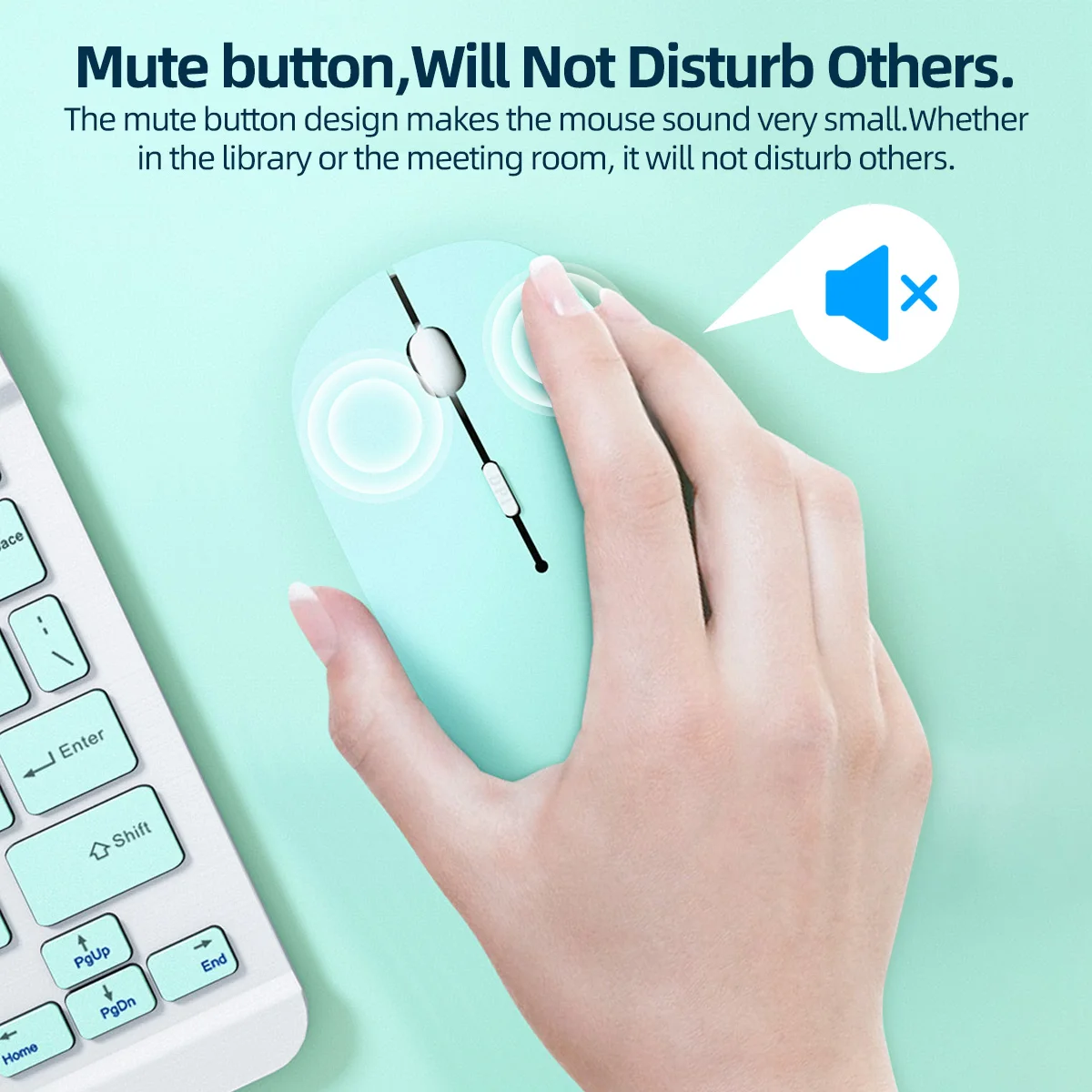
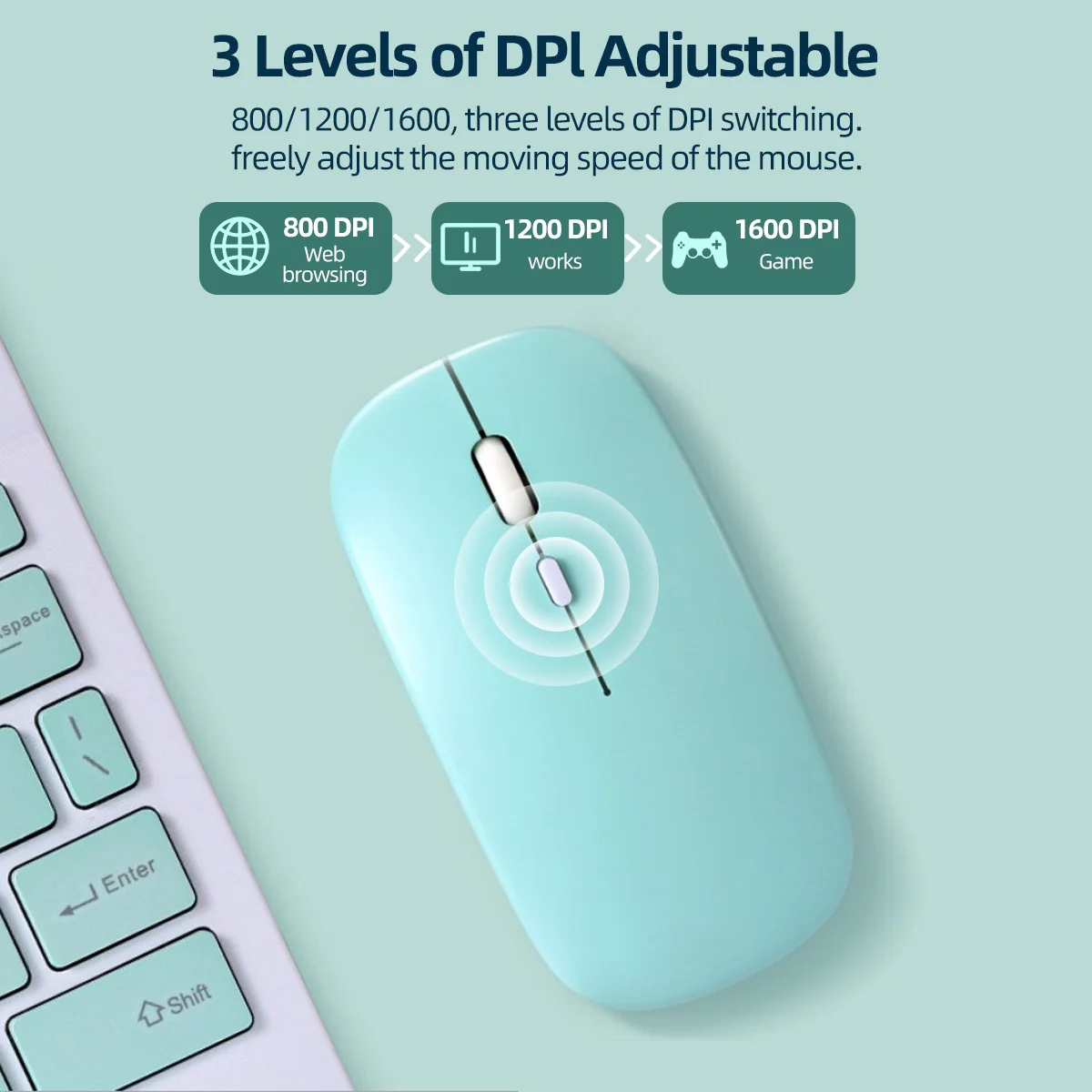
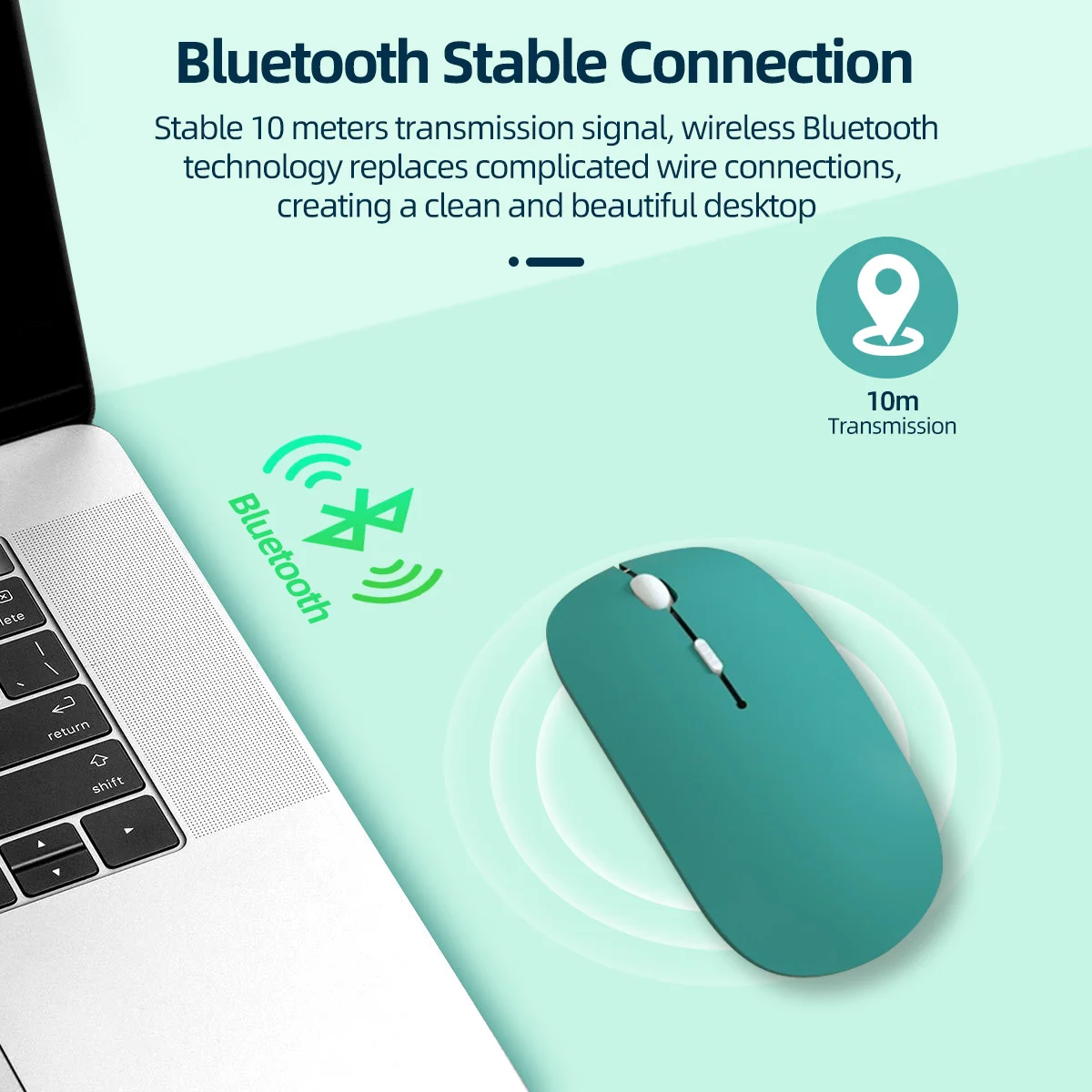
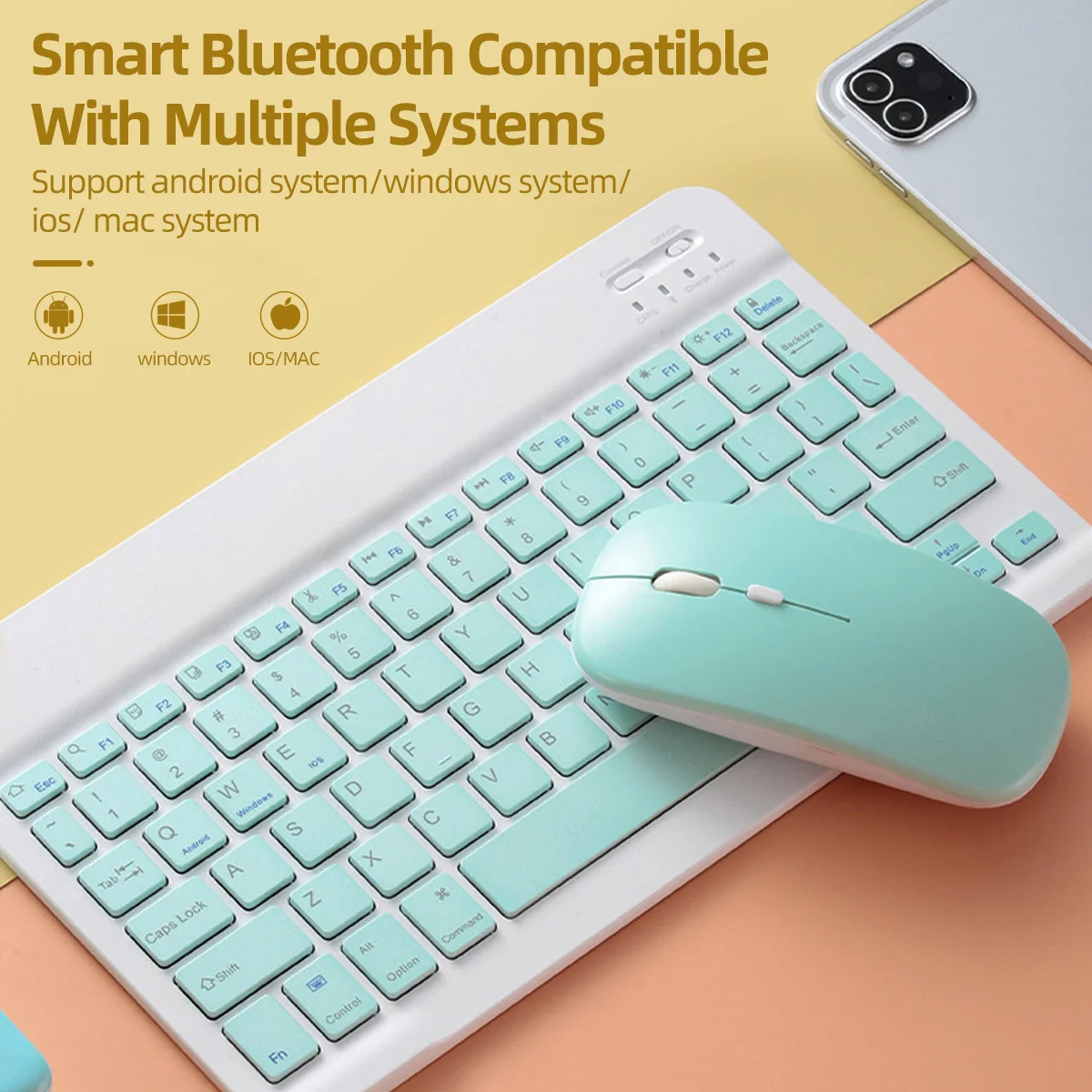
Mouse Common Q&A (English Version) Q1: Does this mouse come with batteries? What batteries does it need? A1: This wireless mouse requires 2 AAA batteries to work. Please note that batteries are NOT included in the package, you need to prepare AAA batteries separately before use. Q2: Why didn’t I receive a USB receiver with the mouse? A2: This is a pure Bluetooth mouse, it does not use a 2.4G USB receiver at all. No receiver is needed for connection. Just make sure your laptop, tablet or desktop device has built-in Bluetooth function to pair directly. Q3: My device cannot find the mouse via Bluetooth, the mouse won’t work, what should I do? A3: This usually happens when the mouse is already paired and connected to another electronic device. Solution: Long press the DPI button for several seconds to clear the old Bluetooth connection record. Then turn on Bluetooth on your current device and search for the mouse to re-pair normally. Q4: What’s the difference between this Bluetooth mouse and 2.4G wireless mice with a receiver? A4: 2.4G mice need a USB receiver plugged into your device, while our mouse adopts Bluetooth connection. It pairs directly through your device’s built-in Bluetooth module without any extra receiver. Q5: The mouse can’t be detected after switching to a new computer, how to fix it? A5: The mouse may still connect to your previous device. Press and hold the DPI key for a few seconds to reset its Bluetooth pairing memory, then search Bluetooth on your new device to reconnect. Q6: Can I use the mouse right after unboxing? A6: No. First install 2 AAA batteries (batteries not included). If it was connected to another device before, long press DPI button to reset Bluetooth, then pair it with your device’s Bluetooth. Please read before buying !!! -Colorful Battery Bluetooth Mouse(without receiver, delivery without battery). -Support smart mobile phones and tablets with BT function. -For ipad system requires for ios13 or above. Bluetooth is only available for Windows system win10 version and above.
Electronics
More from this category


Inspired by your browsing
Customers also viewed




















$6.34
Save 50%